01
Put your business knowledge to work.
Turn service details, FAQs and documents into an organised source of approved company information for your team and future assistants.
WzapAI by Khalq · Product preview
For teams handling WhatsApp enquiries: approved knowledge, configurable assistants and organised lead follow-up.
Product preview. Sign-in, live AI and live WhatsApp are not enabled.
We need a service for our team. Can you help us choose?
Service guide · FAQs · Company knowledge
Let’s start with what your team needs. Which service interests you, and when would you like to get started?
Your service information, in contextRequirements together. Ready for team follow-up.
Interactive illustration, not a live AI service. No messages are sent.
See the product behind the promise
Explore three real development screens. See what your team configures and manages before discussing a pilot.
Create a private draft, review it and explicitly publish the saved version. Your team can distinguish working drafts from approved information.
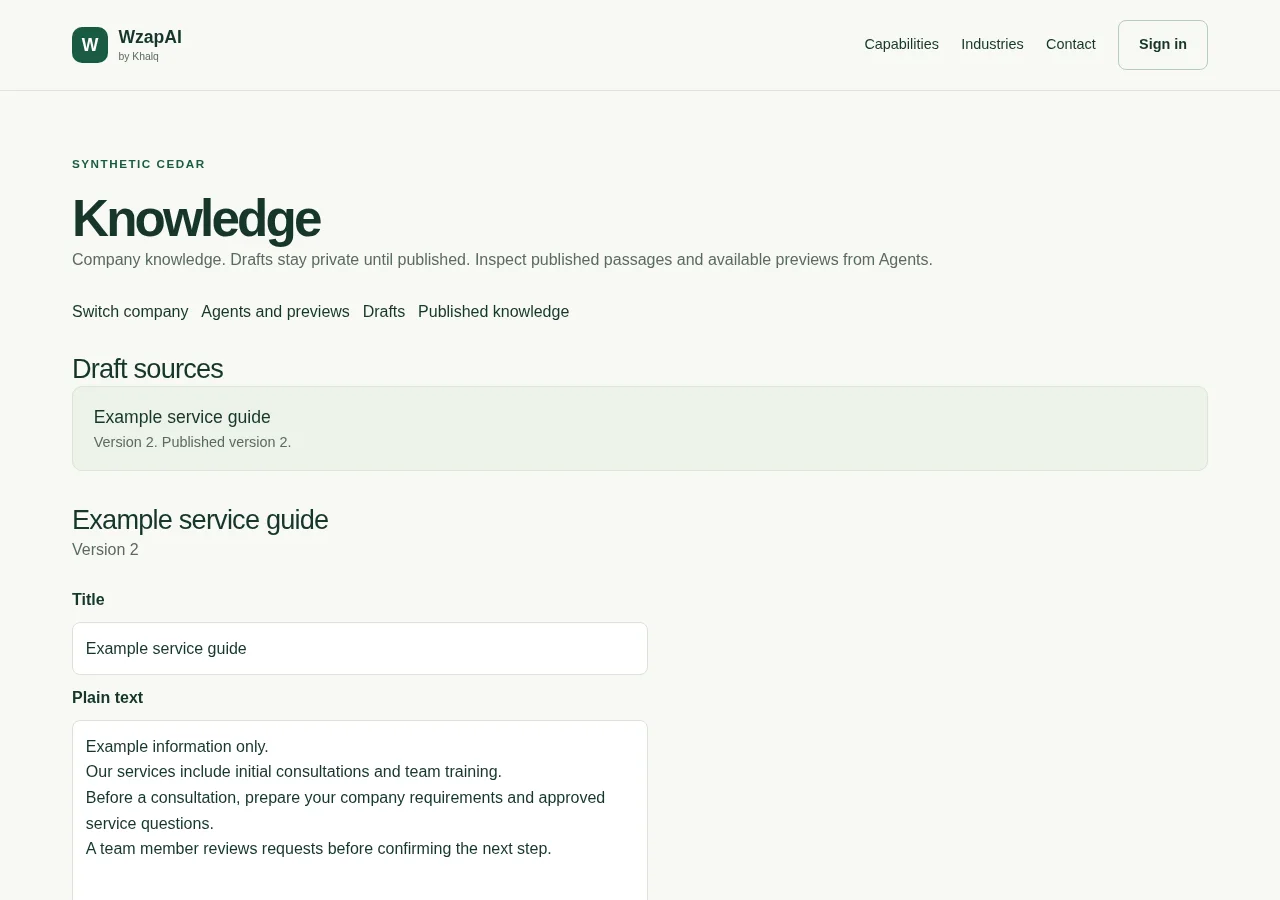
Actual development screens with synthetic data. The workspace shown is currently in English; these are not live customer accounts. Public sign-in, live AI and live WhatsApp remain disabled. No message is sent by this tour.
The tools behind the conversation
Give approved information a home, shape your assistant and keep lead follow-up organised.
Turn service details, FAQs and documents into an organised source of approved company information for your team and future assistants.
Track manual leads from New to Qualified, Won or Lost. Keep requirements and assigned responsibility close to the opportunity.
Shape an assistant’s role, knowledge and boundaries around your services. Review controlled previews before introducing live AI.
Start with a question your customers ask
Choose a business scenario. Each example connects a question to approved information and an explicit team action.
What should we prepare before a consultation?
A published service guide and preparation checklist.
A team member reviews the request and decides what to share or clarify.
Examples illustrate the product direction. They do not send replies, capture leads automatically or confirm bookings.
Discuss this scenarioConfidence starts with clarity
Start with approved company information and explicit responsibilities. Customer workspaces and Khalq platform administration have separate permissions.
Retrieval uses the information your company has explicitly published.
Current company membership and roles govern access to business records.
Explore the product preview and agree the setup needed before connecting live services.
WzapAI by Khalq
WzapAI is a Khalq product. Start with your business questions, explore the preview and agree what needs configuring before a pilot.
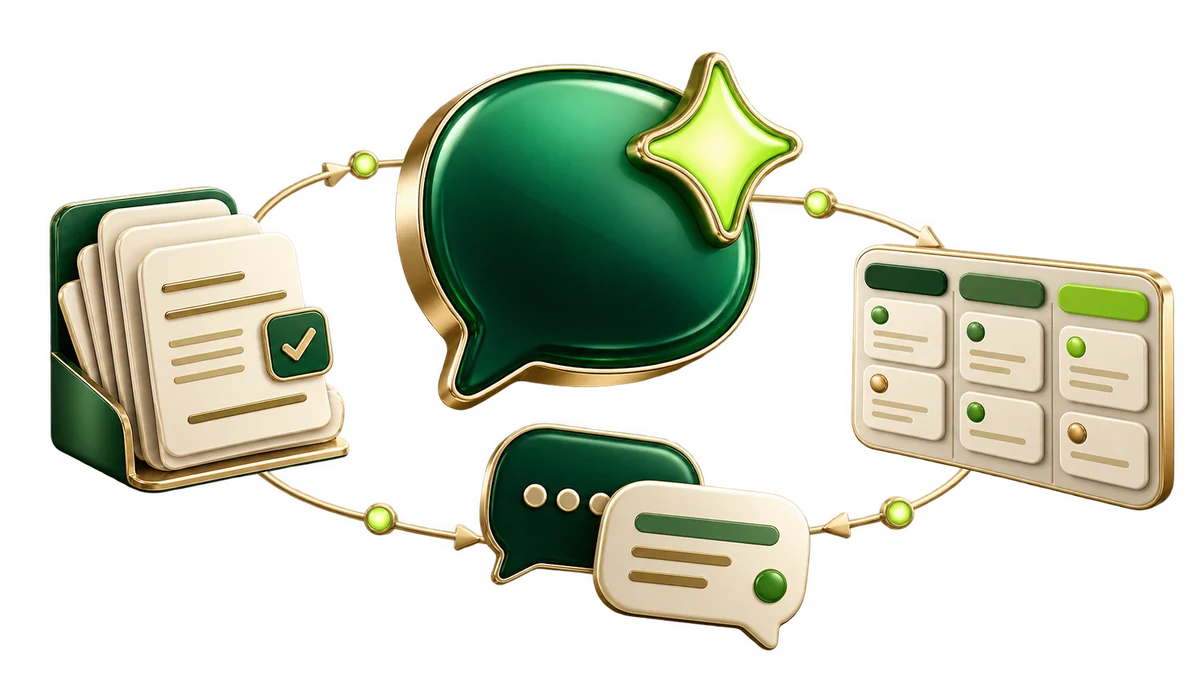
Good questions. Clear answers.
A clear view of what WzapAI offers today and what still needs to be activated.
WzapAI is a product preview. Company, team, knowledge, AI configuration and CRM foundations are implemented, but customer sign-in, live WhatsApp and live AI are not enabled. Talk to Khalq about your requirements and a future pilot.
WzapAI connects company knowledge, conversation context, team roles and a lead pipeline in one product direction. The goal is to help your team understand an enquiry and decide what should happen next.
Create, review and publish company knowledge. Import workflows support text, Markdown, text-based PDFs and approved individual webpages. Published-only retrieval is implemented; live provider setup and acceptance remain pending.
Automatic sending is not enabled. A future live connection needs verified company and number ownership, protected provider setup and controlled acceptance. Talk to Khalq about what your team needs.
Owners manage staff access. Owners and managers configure knowledge and assistants, while permitted staff can inspect inbox history and work with manual leads. Live conversation takeover is a separate capability still to be completed.
WzapAI is a Khalq product. Contact Khalq to discuss your company, onboarding requirements and the right scope for a future pilot.
Start with your business
Bring your enquiries, approved service information and team workflow. Let’s explore the right next step together.